
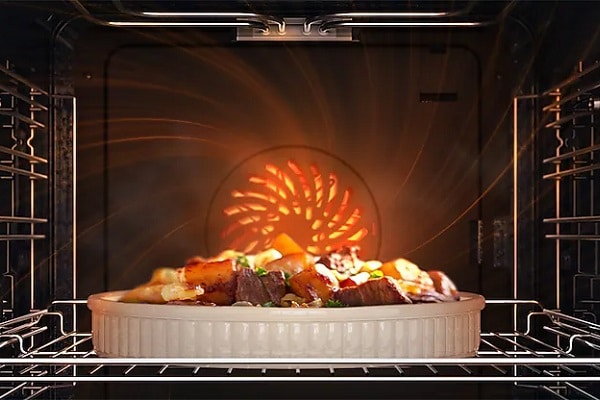
A Samsung oven overheating isn’t just a frustration—it’s a serious problem that can impact your cooking results and even pose a safety risk. From burnt food to fluctuating baking temperatures, an oven that runs too hot is a clear sign something isn’t working correctly.
Understanding what causes this issue can help you identify early warning signs and prevent further damage to your appliance.
Top Issues That Lead to Samsung Oven Overheating
Modern Samsung ovens are engineered for precision and consistency. When they operate properly, temperature sensors, thermostats, and control boards all communicate to maintain steady heat levels.
However, when one of these components begins to fail, the system can no longer regulate temperature correctly. Below are some of the most common causes of overheating and how professionals diagnose them.
Faulty Temperature Sensor
Your oven’s temperature sensor is a small but critical component. It constantly monitors the internal temperature and communicates that data to the control board. When functioning correctly, it ensures your oven maintains the temperature you set. If the sensor malfunctions, it might send incorrect readings, causing the oven to overheat or fail to shut off the heating elements at the right time.
Symptoms to watch for:
- Food burns on the outside while staying undercooked inside.
- The oven continues heating past the desired temperature.
- The display shows temperature fluctuations that don’t match the setting.
You can visually inspect the sensor through the oven interior. It should be straight and not touching the oven wall. If it appears damaged or warped, that’s a strong indicator that service is needed.
Testing or replacing a temperature sensor involves electrical diagnostics. A trained technician can confirm whether the issue is the sensor itself or a wiring or control board problem causing inaccurate readings.
Defective Oven Thermostat
In most modern Samsung ovens, this function isn’t handled by a mechanical thermostat. Instead, the control board and temperature sensor work together electronically to regulate heat. When either part malfunctions or loses calibration, the oven may continue heating past the set temperature.
Over time, thermostats can lose calibration or fail completely, preventing them from communicating accurate temperature data.
Common signs:
- The oven preheats far beyond the target temperature.
- Baking results vary, even when using the same settings.
- The oven heats continuously and won’t cool properly.
Why this matters: A thermostat that isn’t regulating properly can cause constant overheating, putting stress on the heating elements and control system.
Technicians use calibrated tools to verify thermostat accuracy and determine whether recalibration or replacement is needed.
Malfunctioning Control Board
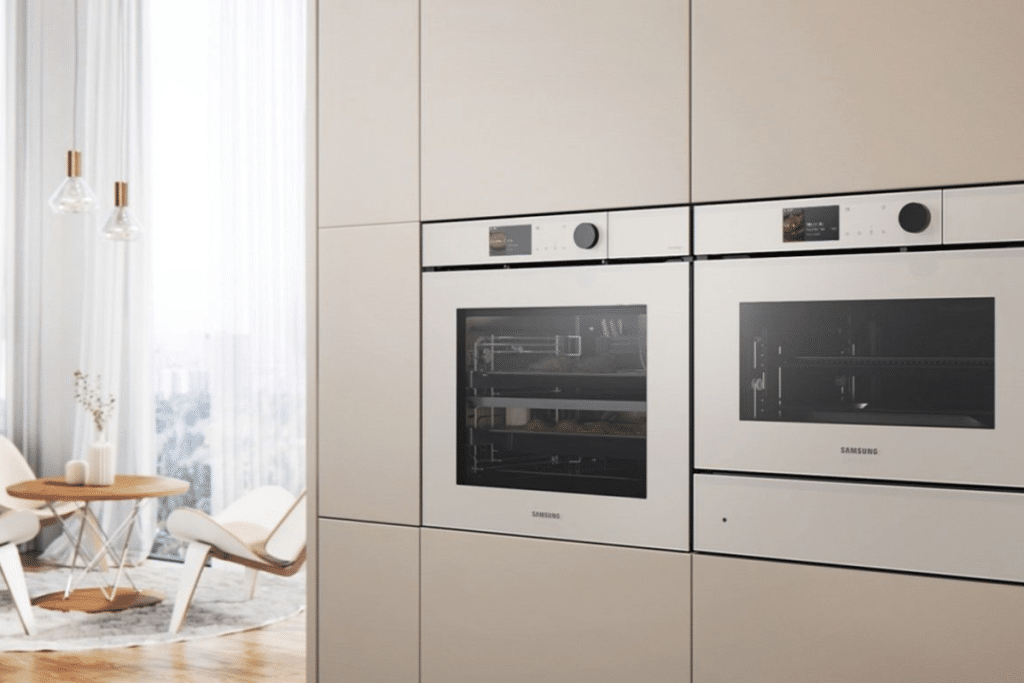
The electronic control board acts as the “brain” of your Samsung oven. It receives data from the sensor and thermostat, then commands the heating elements to cycle accordingly. When the control board develops electrical faults or damaged relays, it can cause the oven to overheat continuously.
Symptoms include:
- Oven continues heating after being turned off.
- Error codes appear on the display.
- Unresponsive or inconsistent temperature settings.
Replacing a control board requires matching your oven’s specific model number and confirming compatibility. A qualified technician can perform this repair safely and ensure proper calibration once installed.
Stuck or Damaged Heating Element
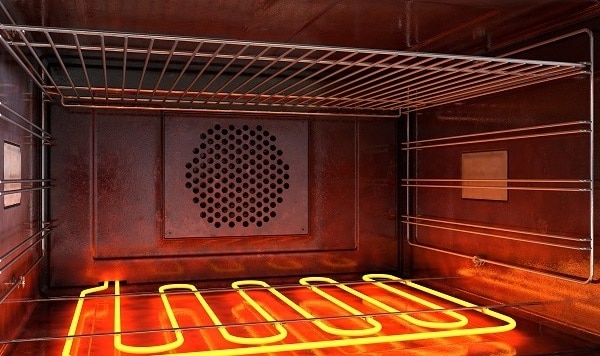
The heating elements—bake and broil—are responsible for generating heat inside the oven cavity. If an element becomes damaged or shorted, it can stay energized even when the oven is turned off, leading to dangerous overheating.
Watch for these signs:
- The oven glows red-hot continuously.
- You smell burning or notice dark spots on the element.
- The oven overheats even during simple bake cycles.
This problem often stems from an electrical short or a stuck relay on the control board.
Safety warning: A heating element that won’t turn off poses a fire hazard. If this happens, turn off the oven from the circuit breaker and call a repair professional immediately.
A technician can safely test the element’s continuity, inspect the control relay, and replace whichever component has failed.
Poor Airflow or Blocked Vents
Proper airflow helps your oven maintain even, stable temperatures. If the cooling fan or convection fan motor stops working — or if vents are blocked — heat can build up and cause the oven to run too hot.
Typical symptoms:
- Uneven cooking or hot spots.
- Burnt edges on baked goods.
- Strong odors of burning or excess heat coming from the back of the oven.
Check that the oven vents and fans are not obstructed. If the oven still overheats after clearing airflow paths, the issue could involve a failed cooling fan or temperature regulation system. Both require professional evaluation and repair to ensure the oven’s safety and performance.
Poor airflow is one of the simplest reasons for a Samsung oven overheating, yet it can quickly lead to more severe internal damage if left unchecked.
Final Thoughts On A Samsung Oven Overheating
If your Samsung oven is still overheating, dependable service from our experienced Samsung appliance service company is crucial. Our technicians at D&T Appliance Service are trained to diagnose and repair Samsung ovens accurately and safely.
Whether you’re dealing with temperature issues or other range problems, we also offer expert oven repair in St Paul and nearby areas. Trust our team to restore your oven’s performance and ensure it operates safely for years to come.